About ScanQR
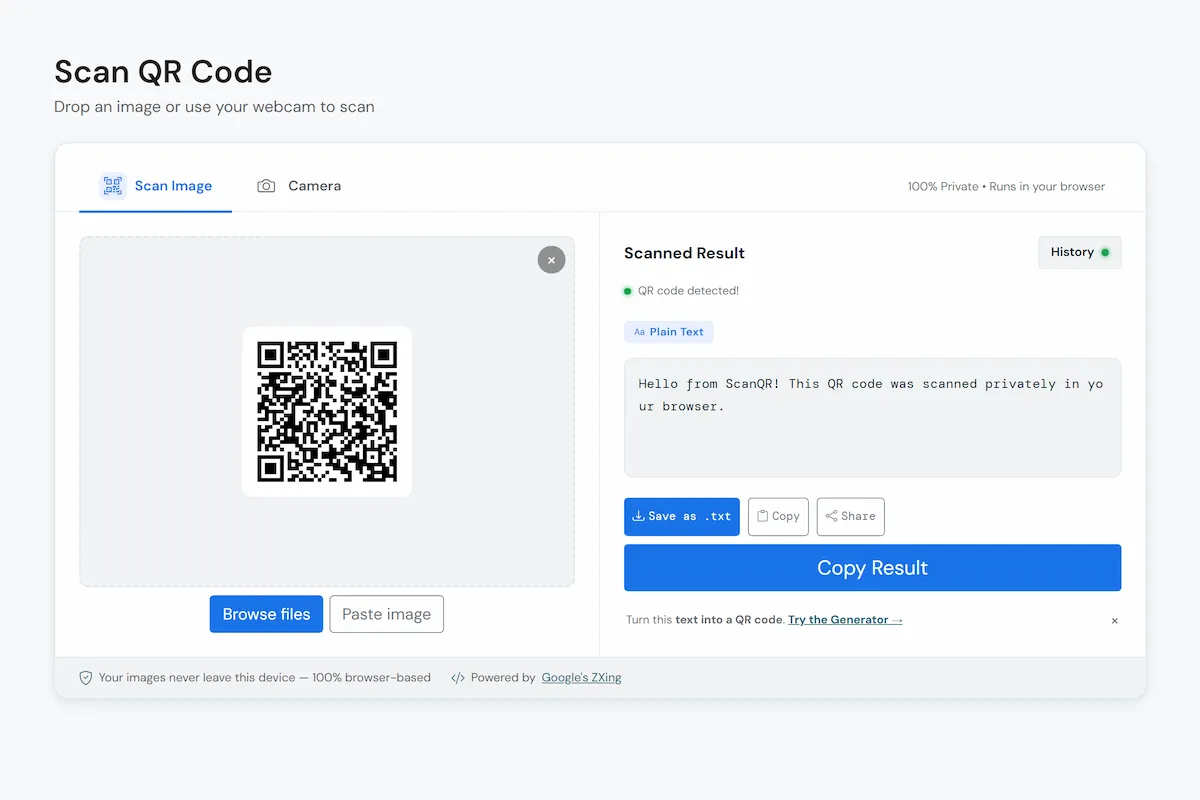
ScanQR is a free online QR code scanner that reads QR codes and barcodes right in your browser. Drop in an image, paste a screenshot or point your camera at a code, and you see exactly what it contains. There’s nothing to install and no account to make, and the code you scan never leaves your device.
Your scans stay on your device
A QR code can carry a Wi-Fi password, a payment link or a contact card, so we built the scanner to work without ever seeing any of that. Decoding happens locally in your browser using browser-based detection capabilities and open-source decoding technology. Your images and camera feed are not uploaded to our servers, and the decoded results are not sent to us. To check for yourself, open your browser’s developer tools, watch the network tab and scan something.
The site around the scanner isn’t invisible. We use Google Analytics to see which pages get visited, and ads on some pages help pay for hosting. Neither receives what you scan. Everything we do collect is listed in the privacy policy.
What the scanner does
- Wide QR code support. Scan QR codes containing website links, plain text, Wi-Fi details, contact cards, phone numbers, SMS messages, email addresses, calendar events and location information.
- Barcodes too. The same scanner reads common product barcodes, so you don’t need a separate tool for them.
- Four ways in. Drag and drop an image, browse for one, paste a screenshot with Ctrl+V, or use your camera. Camera mode supports torch, zoom and switching cameras on devices that allow it.
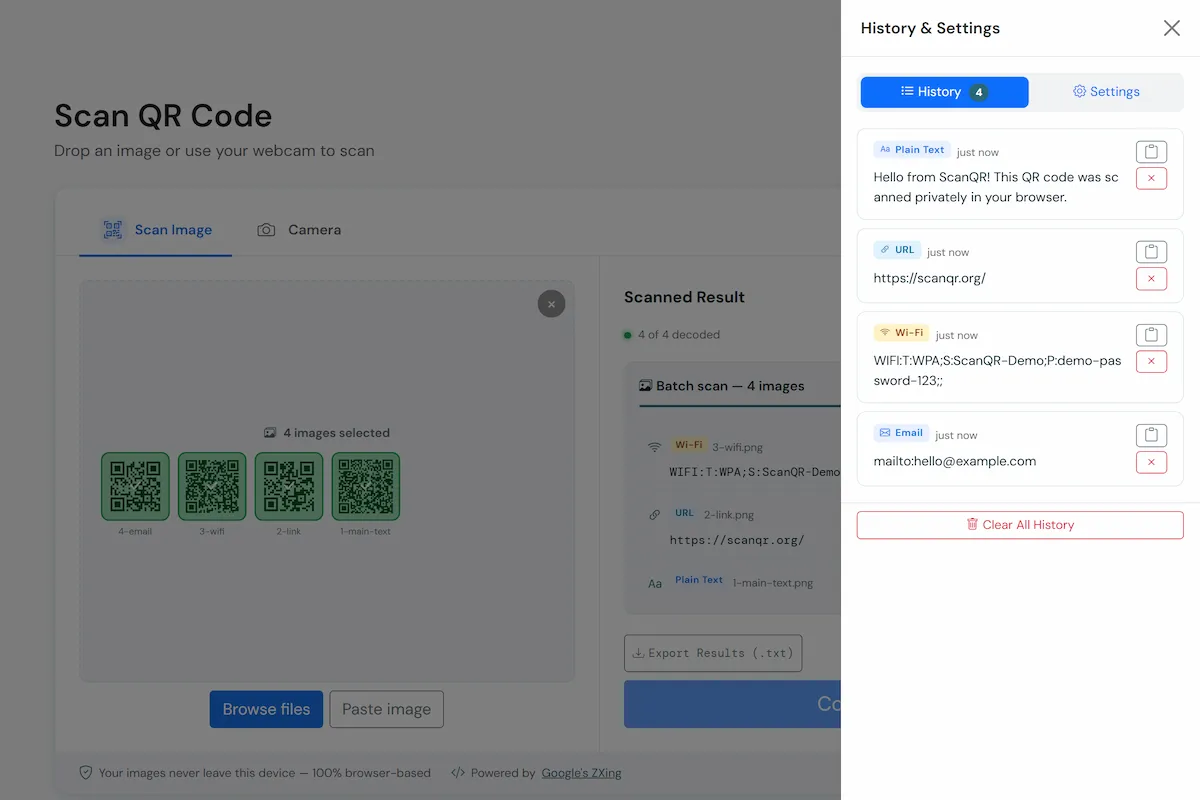
- Batch scanning. Detect up to 20 QR codes and barcodes in a single batch, saving you from scanning them one by one.
- History you control. Scan history is on by default. Your last 30 scans are stored in your browser's local storage, not on our servers. You can turn history off, clear your saved results, or export them as CSV or JSON at any time.
Pick the scanner that fits
The main scanner does everything above. The other pages are narrower, for when you arrive with one specific job.
- QR Code Scanner
- The full tool: images, camera, batch scanning, history and export.
- WiFi QR Code Scanner
- Built for Wi-Fi codes, like the one on a router sticker or a guest-network card.
- Image QR Code Scanner
- For codes you already have as a screenshot, photo or saved file.
- Barcode Scanner
- For product and inventory barcodes rather than QR codes.
- QR Code Generator
- Make a code of your own. Unlike scanning, this happens on our server: we keep the code for about an hour, then delete it. Download it straight away, and think twice before putting anything sensitive inside.
When it helps
Mostly with codes you can’t aim a phone at: a screenshot in a chat, a PDF, a code on a shared screen during a call. It also suits a laptop with a webcam and no phone nearby, or a stack of tickets, labels or badges you’d rather work through in one go and then export.
What it can’t do
ScanQR shows you what a code contains. It doesn’t check whether a link is safe or who made the code, so look at the destination before you open it, join a network or pay anyone.
Blurry, glary or badly damaged codes may not decode. A sharper image, a crop around the code or better light usually helps.
Tell us when something doesn’t scan
If a code won’t decode, let us know which device and browser you used and, if you’re comfortable sharing it, send the image. Please don’t send images containing passwords, payment details or other sensitive information. A non-sensitive sample is usually enough to help us investigate. Feature ideas are welcome too. Write to support@scanqr.org or use the contact page.